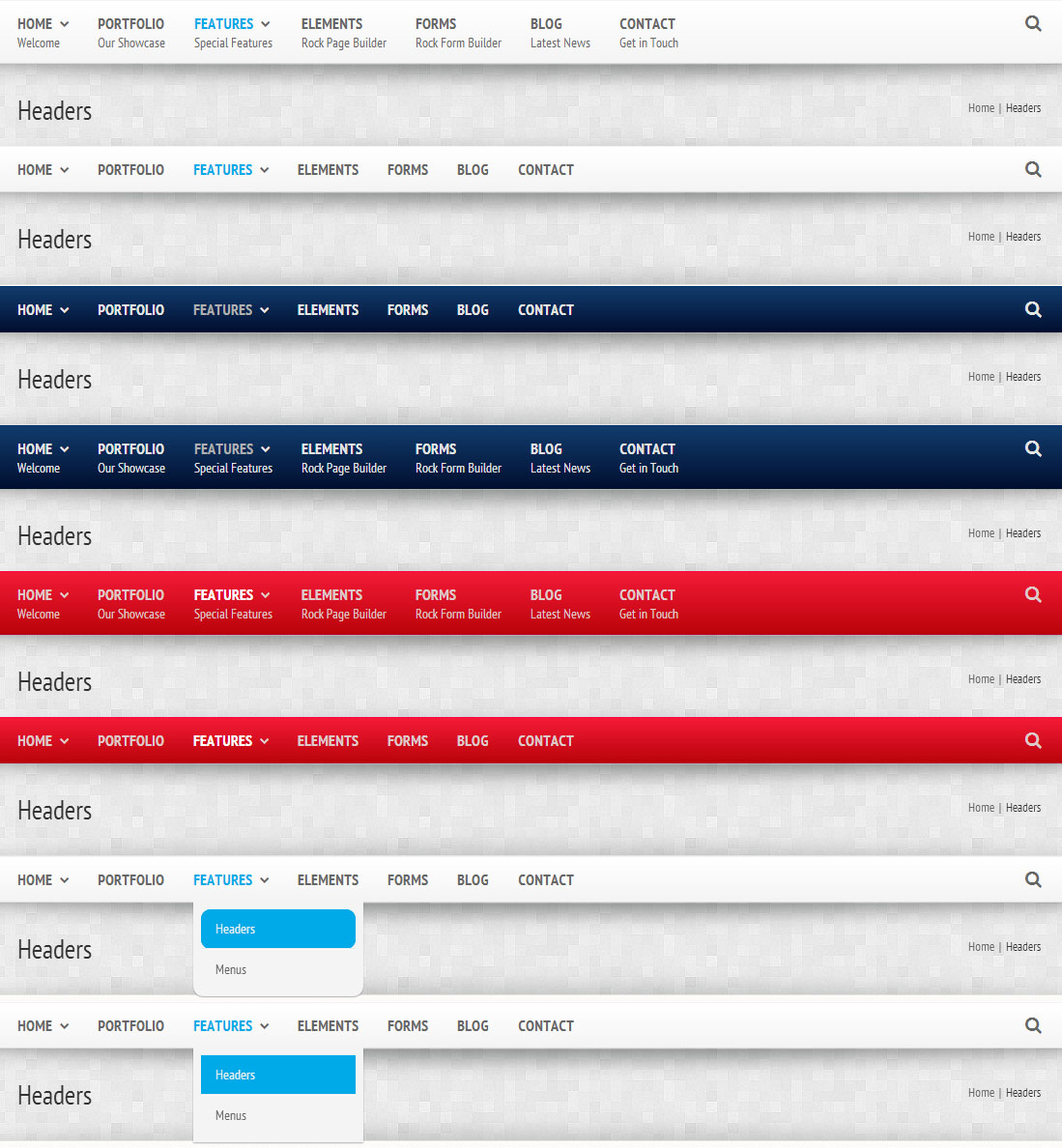


Menu Fits Best For You
You can adjust the menu just as you want. Remove menu description, change background gradient color. Change sub menu color. Adjust the sub menu border radius.
Theme Options - Menu Settings

Change Your Menu Style
Quasar supports unlimited colors. You can choose any color for your menu. Activate / deactivate menu description. Remove Search from menu. Build your menu as you want